How Do You Coordinate Multiple Event Vendors?
Last Updated: October 25, 2026
Quick Summary
Coordinate multiple event vendors by naming one lead who owns the whole vendor picture, then give every supplier one schedule and one communication channel. Put each vendor's role, arrival time, and setup scope in writing, and map which supplier must finish before another can start.
- Assign one person, not a committee, to own the master schedule and resolve dock conflicts.
- Ask every supplier directly whether their quote includes setup or drop-off only.
- Build the dependency map before assigning times, since the map lists order and the schedule lists times.
- Escalate a critical-path vendor more than 30 minutes late with no confirmed ETA.
- Run a five-minute tabletop drill the week before to test owners and first actions.
Table of Contents
- Start With a Single Point of Contact and Clear Vendor Roles
- Build an Event Vendor Communication Plan Before the First Email
- Map Vendor Dependencies and Critical Paths
- Use an Event Vendor Timeline Template for Load-In and Teardown
- Run an Event Vendor Coordination Checklist in the Final Two Weeks
- Plan for Contingencies, Escalation, and On-Site Problems
- Book a Free Production Walkthrough Before Your Next Event
- Frequently Asked Questions
Start With a Single Point of Contact and Clear Vendor Roles
Coordinating multiple event vendors starts with one decision: name a single lead who owns the whole vendor picture. That person becomes the main point of contact for every supplier, from catering and rentals to audio-visual and décor.
This guide covers the workflow we use on live events, and it works whether you run a school assembly, a corporate function, or a full concert.
Event vendor coordination is the practice of assigning one owner, one schedule, and one communication channel to every supplier working your event.
Here is the core problem most planners face. Every vendor thinks someone else is handling the handoff. The caterer assumes the rental company is setting tables.
Assigning Event Vendor Responsibilities in Writing
Put every vendor's job in a shared document. List each supplier, what they deliver, when they arrive, and who they report to on site.
- Catering: kitchen access, load-in time, power needs, cleanup scope
- Rentals: delivery window, setup versus drop-off only, pickup time
- Audio-visual: power drops, rigging points, sound check window
A common mistake is leaving "setup" undefined. Ask each supplier one direct question: does your quote include setup, or drop-off only? The answer changes your whole timeline.
Who Owns the Master Schedule
One person owns the master schedule. Not two. Not a committee.
That owner collects every vendor's arrival time, setup window, and teardown plan, then builds one document everyone can see. When two suppliers need the same loading dock at the same hour, the schedule owner resolves it before event week, not at the door.
Build an Event Vendor Communication Plan Before the First Email
An event vendor communication plan is a written set of rules for how and when you contact each supplier.
Set it up before you send the first email. Decide which channel carries official updates, such as email for confirmations and a group chat for event-day only.
Before you commit to a vendor budget, it helps to understand live event technical support pricing so your communication plan and your numbers line up from day one.
What to Put in a Vendor Brief
The vendor brief is the single document every supplier receives. Keep it short and specific.
- Event name, date, and venue address
- Your main point of contact and their phone number
- Load-in and load-out windows
- Parking, dock, and elevator details
- Power availability and any restrictions
- Setup and teardown responsibilities
- Payment terms and confirmation deadlines
- On-site check-in procedure
Send the brief once contracts are signed, then resend an updated copy two weeks out. Vendors read the latest version, not the first one.
Map Vendor Dependencies and Critical Paths
Vendor dependency mapping means writing down which supplier must finish before another can start.
Picture this: the lighting crew cannot focus lights until the stage is built. The stage cannot go up until the rental company delivers decking.
A dependency map is not a schedule. A schedule lists times; a dependency map lists order. Build the map first, then assign times to it.
Build the Map in Four Steps
- List every deliverable, not every vendor. Write down what must physically exist on site: stage deck, power drops, tables, chairs, linens, food, lighting focus, video wall, signage, trash stations.
- Draw an arrow for each prerequisite. If item B cannot start until item A is done, draw A → B. Keep going until every item has at least one arrow in or out.
- Mark the longest chain. The longest unbroken chain of arrows is your critical path. Any delay on that chain delays the whole event. Everything off the chain has slack.
- Assign owners and windows to each node. Every node gets one vendor, one on-site contact, and one ready-by time.
A Worked Dependency Chain
Here is a typical chain for a corporate function with staging, audio-visual, and catering:
- Floor protection → heavy load-in
- Heavy load-in → stage build
- Stage build → lighting focus and video wall install
Notice that power sits early in the chain. If the venue's electrician is late, sound check slips, and the whole afternoon compresses. That is why power is almost always on the critical path.
Separate Hard Dependencies From Soft Ones
A hard dependency means the second task physically cannot happen without the first. A soft dependency means it is better in order but could be reordered under pressure.
- Hard: stage deck before lighting focus
- Hard: power before sound check
- Soft: décor before catering setup (often reorderable)
When you are behind schedule, you protect hard dependencies and compress soft ones. Knowing which is which is what lets you make fast calls on site instead of freezing.
Share the Map With Every Vendor
Send the dependency map with the vendor brief. Vendors who understand why their window is fixed stop asking to move it. Vendors who see themselves on the critical path tend to arrive early rather than on time.
Use an Event Vendor Timeline Template for Load-In and Teardown
An event vendor timeline template is a shared schedule that lists each supplier's arrival, setup, show, and teardown times in order. Build it once, reuse it on every event.
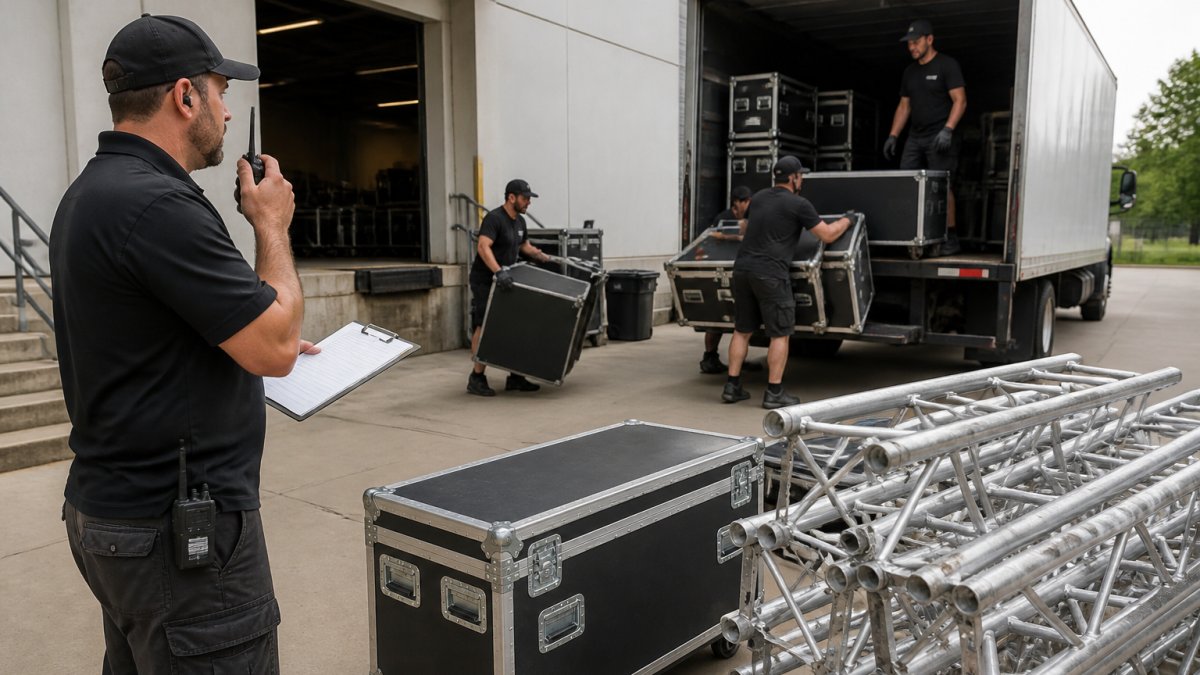
Fill in these columns for each vendor:
| Column | What to Enter |
|---|---|
| Vendor | Company and on-site contact |
| Arrival | Truck or crew arrival time |
| Load-in | Dock or door assigned |
| Setup window | Start and finish time |
| Ready by | When the item must be done |
| Teardown | Out-by time and exit route |
If you need gear delivered and set up rather than hauled yourself, PA, lighting and wireless mic rentals cover delivery and setup options.
Watch out: teardown times get ignored more than any other line.
Run an Event Vendor Coordination Checklist in the Final Two Weeks
The final two weeks decide whether event-day coordination runs smooth or turns into phone tag. Work from one event vendor coordination checklist and confirm each item in writing.
- Send updated vendor brief to every supplier
- Confirm arrival times and dock assignments
- Verify certificates of insurance and contracts are on file
Print this list and check items off as replies come in. A verbal "we're good" is not a confirmation. Get it in writing.
Plan for Contingencies, Escalation, and On-Site Problems
A contingency plan is your written answer to "what if this fails?" It covers equipment failure, late vendors, weather, and staffing gaps before they happen. Most guides stop at naming the risks. The part that actually saves the event is the escalation ladder and the decision authority behind it.
Name Decision Authority Before Event Day
Every contingency plan needs three named roles:
- Incident owner: the one person on site who decides when a problem crosses from "handle it" to "escalate."
- Escalation contact: the person the incident owner calls when the fix is beyond on-site authority, such as a venue manager, a vendor's operations lead, or the client.
- Client liaison: the person who communicates with the client so the incident owner stays focused on the fix.
Write these names into the vendor brief. When something breaks, nobody should be searching for a phone number or debating who is in charge.
Set Trigger Thresholds, Not Vague Warnings
A contingency plan without thresholds becomes a debate in the moment. Define the trigger in advance:
- Late vendor: escalate when a critical-path vendor is more than 30 minutes past arrival with no confirmed ETA.
- Equipment failure: escalate when the primary system cannot be restored within 15 minutes and a backup is not already powered and patched.
- Weather: escalate when the forecast or radar shows a system arriving within 60 minutes of an outdoor segment, and the move decision must be made by the incident owner, not the client.
Adjust the numbers to your event, but pick numbers. A threshold turns a crisis into a checklist item.
Build a Backup Vendor Shortlist
For every critical vendor category, keep one backup contact on file with a phone number that reaches a human after hours. Critical categories usually include audio-visual, power, rentals, and restroom or tent suppliers. Confirm in advance whether the backup can deliver on short notice and what the call-out terms are. Do not wait until the primary fails to find out the backup is booked.
Write the Problem-Response Playbook
For each risk, write four lines: the trigger, the first action, the backup action, and the owner.
- Equipment failure: trigger is loss of primary system; first action is switch to backup gear already patched; backup action is call the named repair contact; owner is the incident owner.
- Late vendor: trigger is the threshold above; first action is call the vendor's on-site contact and the backup; backup action is reorder soft dependencies to fill the gap; owner is the schedule owner.
- Weather: trigger is the radar window; first action is call the move; backup action is execute the covered-space plan; owner is the incident owner.
Run a Five-Minute Tabletop Drill
The week before the event, gather the core team and walk through three scenarios out loud: a critical vendor is two hours late, the sound system fails mid-program, and a storm forces the outdoor segment inside. Time the drill. If the team cannot name the owner and the first action within a minute per scenario, the plan is not ready.
Book a Free Production Walkthrough Before Your Next Event
The best time to fix vendor coordination is before contracts are signed. A walkthrough of your venue and system shows exactly where handoffs will fail.
At AudioBahn Productions, we offer a free walkthrough and evaluation of your system. We recommend needed upgrades only, and we train volunteer tech crews so your team can run the show with confidence.
Ready to plan your next event? Get a free quote and tell us what you are building.
Frequently Asked Questions
Who is responsible for coordinating vendors at an event?
One person should own vendor coordination, usually a lead planner or production manager. That person holds the master timeline, confirms arrival windows, and is the single number every supplier calls. Split that role across two people and details fall through: two vendors get told different load-in times, and the audio-visual crew arrives while the rental crew is still blocking the dock. Write the name and phone number into every contract and vendor brief so nobody has to guess who to call.
What should an event vendor coordination checklist include?
A working checklist covers signed contracts, certificates of insurance, arrival and load-in times, power and space requirements, the main point of contact for each supplier, final headcounts for catering, payment deadlines, and a teardown window. Add a column for equipment specs so the audio-visual team and the staging crew confirm they are working from the same plan. Run the checklist at two weeks out and again at 48 hours, and mark each line confirmed or open so nothing quietly drops.
How do you prevent conflicts between event vendors?
Most conflicts come from shared resources: one loading dock, one freight elevator, one power drop. Build a dependency map that lists which vendor needs what, from whom, and when. Then stagger load-in times rather than stacking them. Put shared-resource rules in the vendor brief, including who has priority access and who clears the space afterward. When two suppliers do clash on site, the lead contact resolves it against the timeline instead of letting crews negotiate in the moment.
How do you handle last-minute changes with event vendors?
Give every vendor a written escalation path before event day: who to call, in what order, and what counts as urgent. For changes inside 48 hours, phone the affected vendor directly and follow up in writing so the change is documented. If a change affects the schedule, update the run of show and resend it to everyone, not just the vendor involved. Keep one contingency line in the budget and a backup contact for your most critical supplier, usually sound, power, or staging.
Coordinating multiple event vendors comes down to one owner, one schedule, and one communication plan. If you would rather hand that coordination to a production team, AudioBahn Productions can own the scheduling, contracts, and on-site execution from load-in to teardown. Get started with AudioBahn Productions and walk into your next event with every vendor on the same page.

Sound, lighting, staging and LED video. Free quote.
Frequently Asked Questions
Who is responsible for coordinating vendors at an event?
One person should own vendor coordination, usually a lead planner or production manager. That person holds the master timeline, confirms arrival windows, and is the single number every supplier calls. Split that role across two people and details fall through: two vendors get told different load-in times, and the audio-visual crew arrives while the rental crew is still blocking the dock. Write the name and phone number into every contract and vendor brief so nobody has to guess who to call.
What should an event vendor coordination checklist include?
A working checklist covers signed contracts, certificates of insurance, arrival and load-in times, power and space requirements, the main point of contact for each supplier, final headcounts for catering, payment deadlines, and a teardown window. Add a column for equipment specs so the audio-visual team and the staging crew confirm they are working from the same plan. Run the checklist at two weeks out and again at 48 hours, and mark each line confirmed or open so nothing quietly drops.
How do you prevent conflicts between event vendors?
Most conflicts come from shared resources: one loading dock, one freight elevator, one power drop. Build a dependency map that lists which vendor needs what, from whom, and when. Then stagger load-in times rather than stacking them. Put shared-resource rules in the vendor brief, including who has priority access and who clears the space afterward. When two suppliers do clash on site, the lead contact resolves it against the timeline instead of letting crews negotiate in the moment.
How do you handle last-minute changes with event vendors?
Give every vendor a written escalation path before event day: who to call, in what order, and what counts as urgent. For changes inside 48 hours, phone the affected vendor directly and follow up in writing so the change is documented. If a change affects the schedule, update the run of show and resend it to everyone, not just the vendor involved. Keep one contingency line in the budget and a backup contact for your most critical supplier, usually sound, power, or staging.